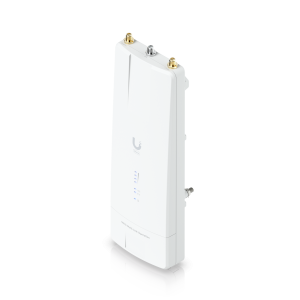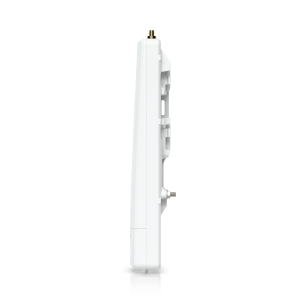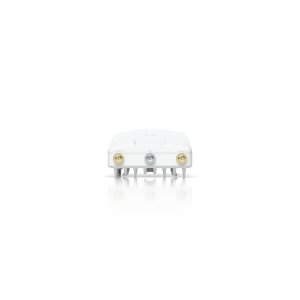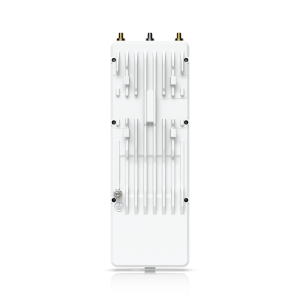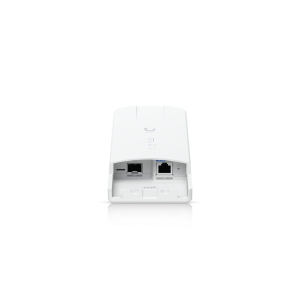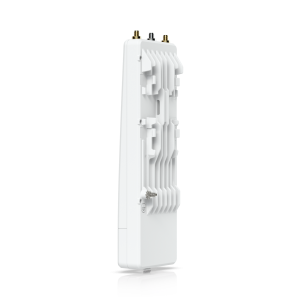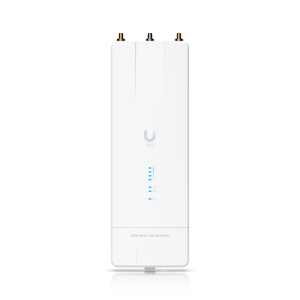


5GHz Bridge
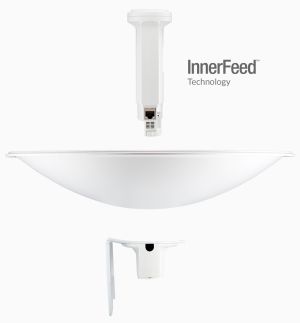
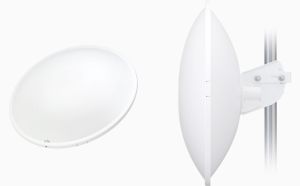
PBE-5AC-500 - PowerBeam 5AC 500
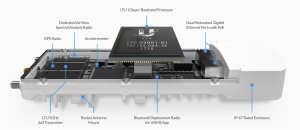
airMAX ac devices feature a multi‑radio architecture to power a revolutionary RF analytics engine.
An independent processor on the PCBA powers a second, dedicated radio, which persistently analyzes the full 5 GHz spectrum and every received symbol to provide you with the most advanced RF analytics in the industry.
Data from the spectrum analysis and RF performance monitoring is displayed on the Main tab and airView Spectrum Analyzer of airOS V7.
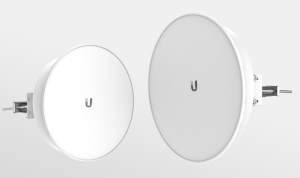
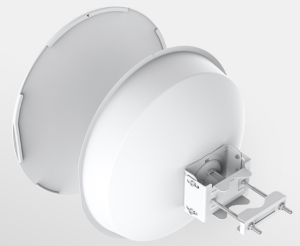
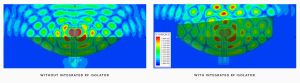
PBE-5AC-ISO-Gen2 - PowerBeam AC Gen2 ISO
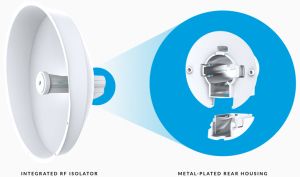
The PBE-5AC-ISO-Gen2 offers a rear housing with a metal-plated interior, designed to enhance RF shielding. Additionally, an included protective radome shields the PowerBeam 5AC ISO Gen 2 from nature's harshest elements.
The integrated isolator design spatially filters out interference, so the PBE-5AC-ISO-Gen2 delivers improved noise immunity in co-location deployments.
The dish reflector design of the PBE-5AC-Gen2 makes it an ideal CPE for deployments requiring maximum performance. A protective radome is available as an optional accessory for the PBE-5AC-Gen2.
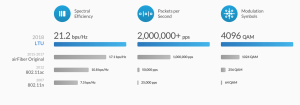
Ubiquiti's airMAX engine with custom IC dramatically improves TDMA latency and network scalability. The custom silicon provides hardware acceleration capabilities to the airMAX scheduler, to support the high data rates and dense modulation used in airMAX ac technology.

Ubiquiti AF-5XHD
• Programmable Transmit Power - The radio's transmit power level can be programmed up to +29 dBm.
• Programmable Duty Cycle (GPS synchronized frames) - The AF-5XHD allows configuration of asymmetric TX and RX duty cycles. TX ratios include 25%, 33%, 50%, 66.7%, and 75%
• Configurable GPS Synchronization - The AF-5XHD offers configurable support for 2, 2.5, 4, and 5 ms frames. Timing is compatible with all other synchronous systems.
• Split TX and RX Frequency - The radio can operate on different frequencies for TX and RX, allowing great flexibility for interference avoidance.
• Split TX and RX Channel Bandwidth - Support for different channel bandwidths for TX and RX allows users to scale required data capacity more efficiently.
• Adaptive Modulation up to 1024QAM
• Dual Redundant Gigabit Ethernet Ports with PoE.
• OFDM and OFDMA Support
• Bluetooth Wireless Configuration
• AlignLock™ Antenna Aiming Guard
• Wide Voltage Range, Enhanced Surge Protection
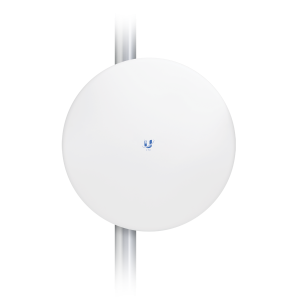
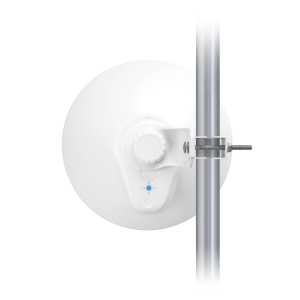
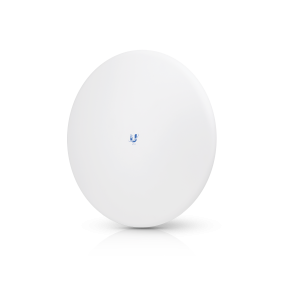
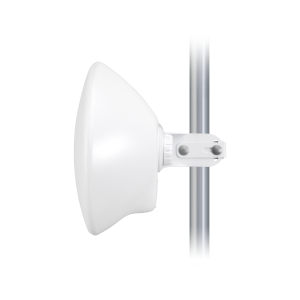
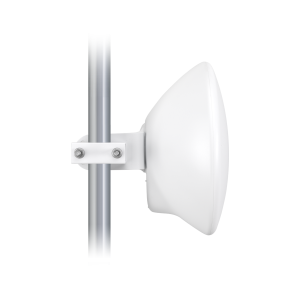
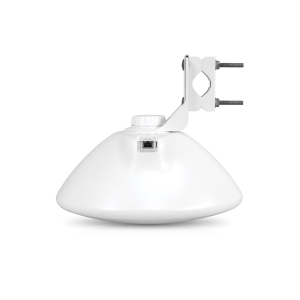
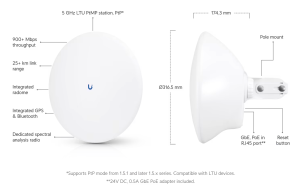
Ubiquiti LTU-Pro, 5GHz LTU, CPE
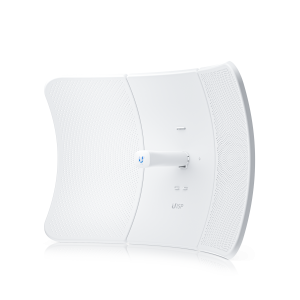
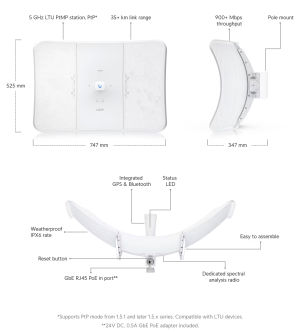
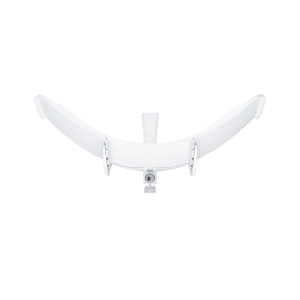
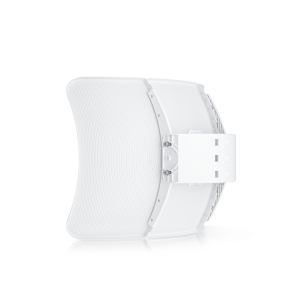
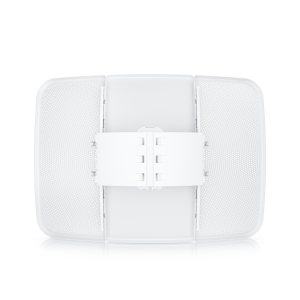
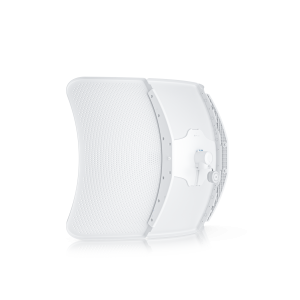
Ubiquiti LTU-XR, LTU Extreme Range
 5 GHz, 30+ km link range
 900+ Mbps throughput
 Dedicated spectral analysis radio
 Easy to assemble
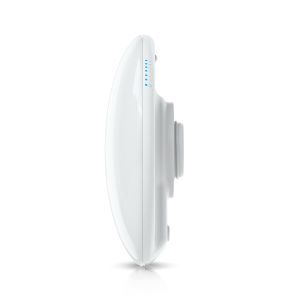


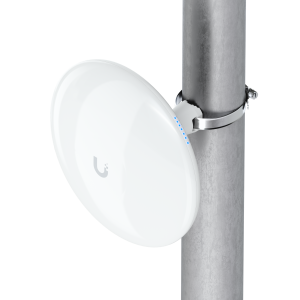


Ubiquiti UDB-Pro - Device Bridge Pro
This 5 GHz wireless bridge allows for point-to-point 5+ km connection to another Bridge Pro device or seamless uplink using the UniFi Wi-Fi Auto-Link feature. It has two GbE RJ-45 ports, one of which supports PoE output for powering additional PoE devices. The device is powered via PoE/PoE+ and is designed for outdoor installations with resistance to weather conditions (IPX6).
Note. Cannot be set up standalone and must be managed by a UniFi Console, Official UniFi Hosting, or a Self-Hosted UniFi Network Server.
For the longest range, uplink to another UDB Pro or UDB Pro Sector is recommended.
PoE adapter included. PoE+ input required for PoE passthrough.